
Atomica software / 06

Surgical
guides.

Design surgical guides and coordinated components for guided and full-arch workflows.
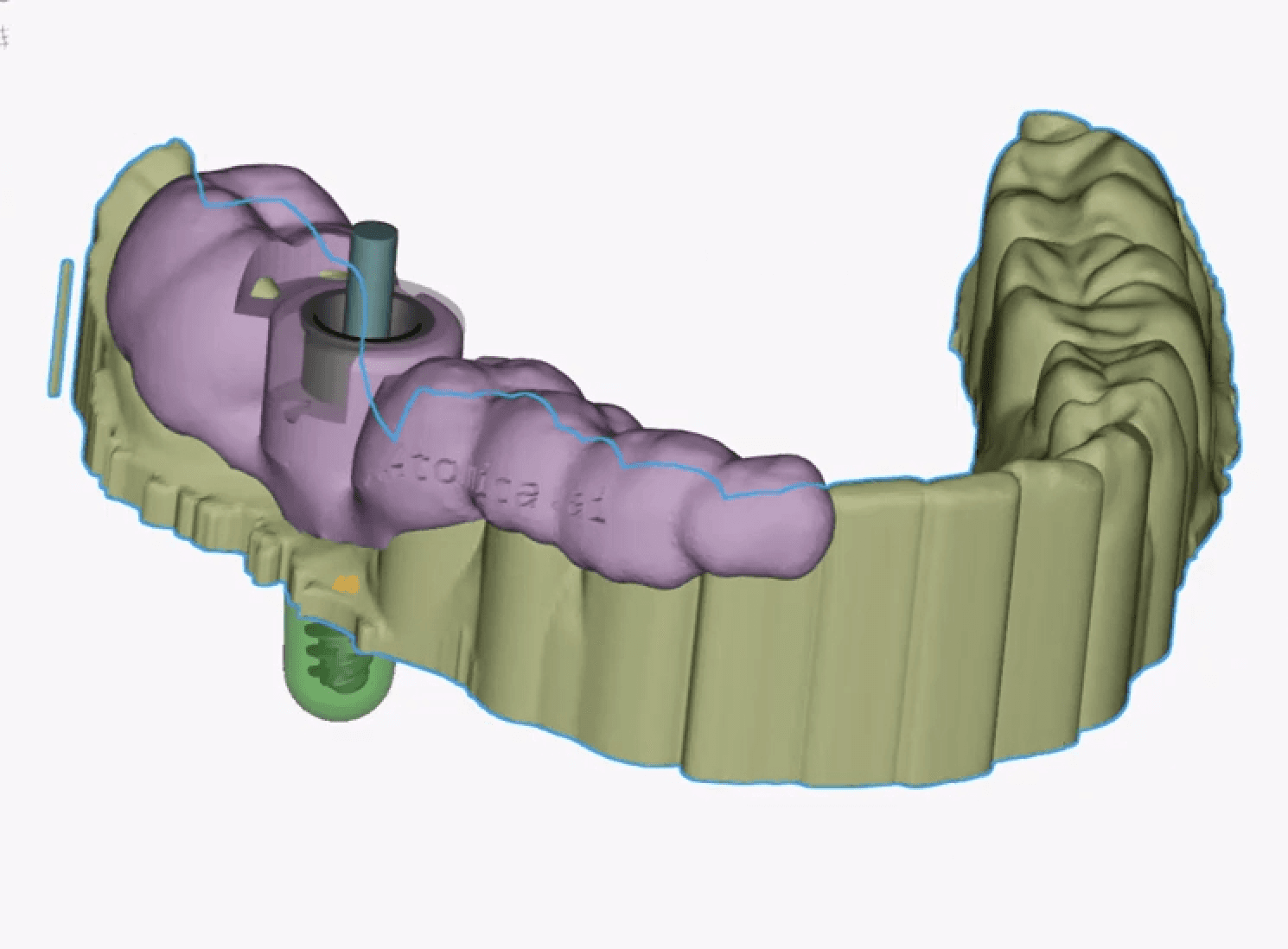
Tooth-supported surgical guide design shown on a dental model
Surgical guide · design view

Inside the workflow

The details
behind the guide.

01

Define

Select the guide type and seating area.

02

Generate

Build the guide from the selected support region.

03

Adjust

Edit the selection and sleeve reinforcement as needed.

Recorded walkthroughGuide design
Watch on YouTube
Take a closer look

Follow the workflow in the Atomica learning center.

Open the guide-design tutorial

Ready for your next case?

Put the tools
to work.

Start designing Book a guided demo

Design review

About this preview

A private website design study. The live Atomica website and store have not been changed.

The palette follows the focused revision: orange #EB622E, graphite #1F2329, warm white #F8F7F4, slate and mist. Inter and the complete master wordmark are retained.

The scanner and printer images, guide design and tutorial covers are published source assets. Tutorial covers are linked to their corresponding walkthroughs. The interactive showcase uses published tutorial covers and videos; it is not a live software session. Current product captures and representative finished cases across restorations, appliances and guides should be approved before public launch. This page does not present these separate examples as a matched case.

Software demo buttons open Salwa’s onboarding session. Scanner demo bookings retain the existing chairside booking page.

Published equipment source ↗