
Atomica software / 05

Implant
planning.

Plan around the proposed restoration, with anatomy, implants and abutments in one view.
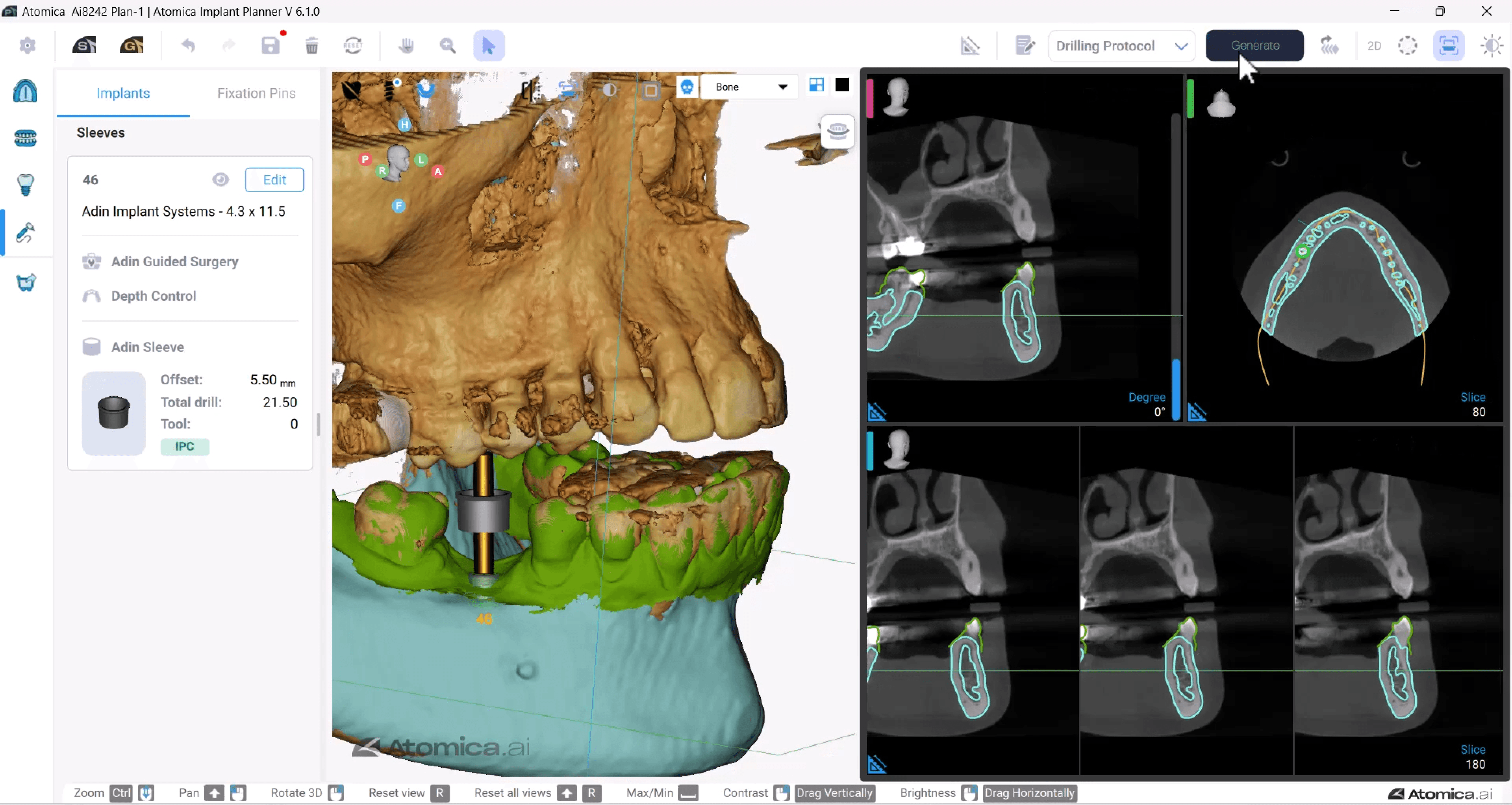
Implant position shown in a cropped Atomica planning view
Implant planning · software view

Inside the workflow

A clearer view
of your plan.

01

Visualize

Review the anatomy in 2D and 3D.

02

Plan

Select implants and add virtual restorations.

03

Refine

Adjust implant position and review the surrounding anatomy.

Inside Implant PlannerPublished software view
Published Atomica Implant Planner view of anatomy and implant position
Take a closer look

Follow the workflow in the Atomica learning center.

Open the planning guide

Ready for your next case?

Put the tools
to work.

Start designing Book a guided demo

Design review

About this preview

A private website design study. The live Atomica website and store have not been changed.

The palette follows the focused revision: orange #EB622E, graphite #1F2329, warm white #F8F7F4, slate and mist. Inter and the complete master wordmark are retained.

The scanner and printer images, guide design and tutorial covers are published source assets. Tutorial covers are linked to their corresponding walkthroughs. The interactive showcase uses published tutorial covers and videos; it is not a live software session. Current product captures and representative finished cases across restorations, appliances and guides should be approved before public launch. This page does not present these separate examples as a matched case.

Software demo buttons open Salwa’s onboarding session. Scanner demo bookings retain the existing chairside booking page.

Published equipment source ↗