01 / Print
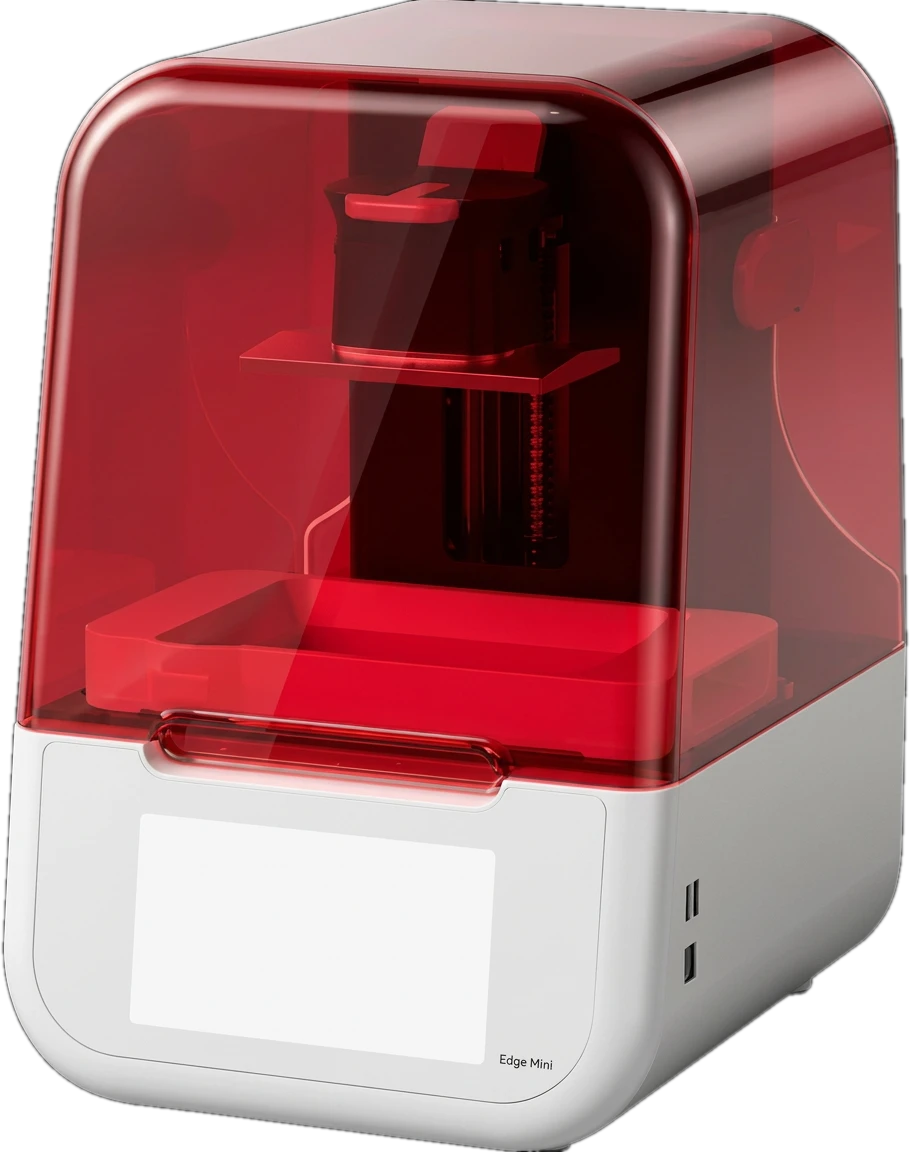
Dental 3D printer
Print your prepared design with the platform and material profile that suit the case.
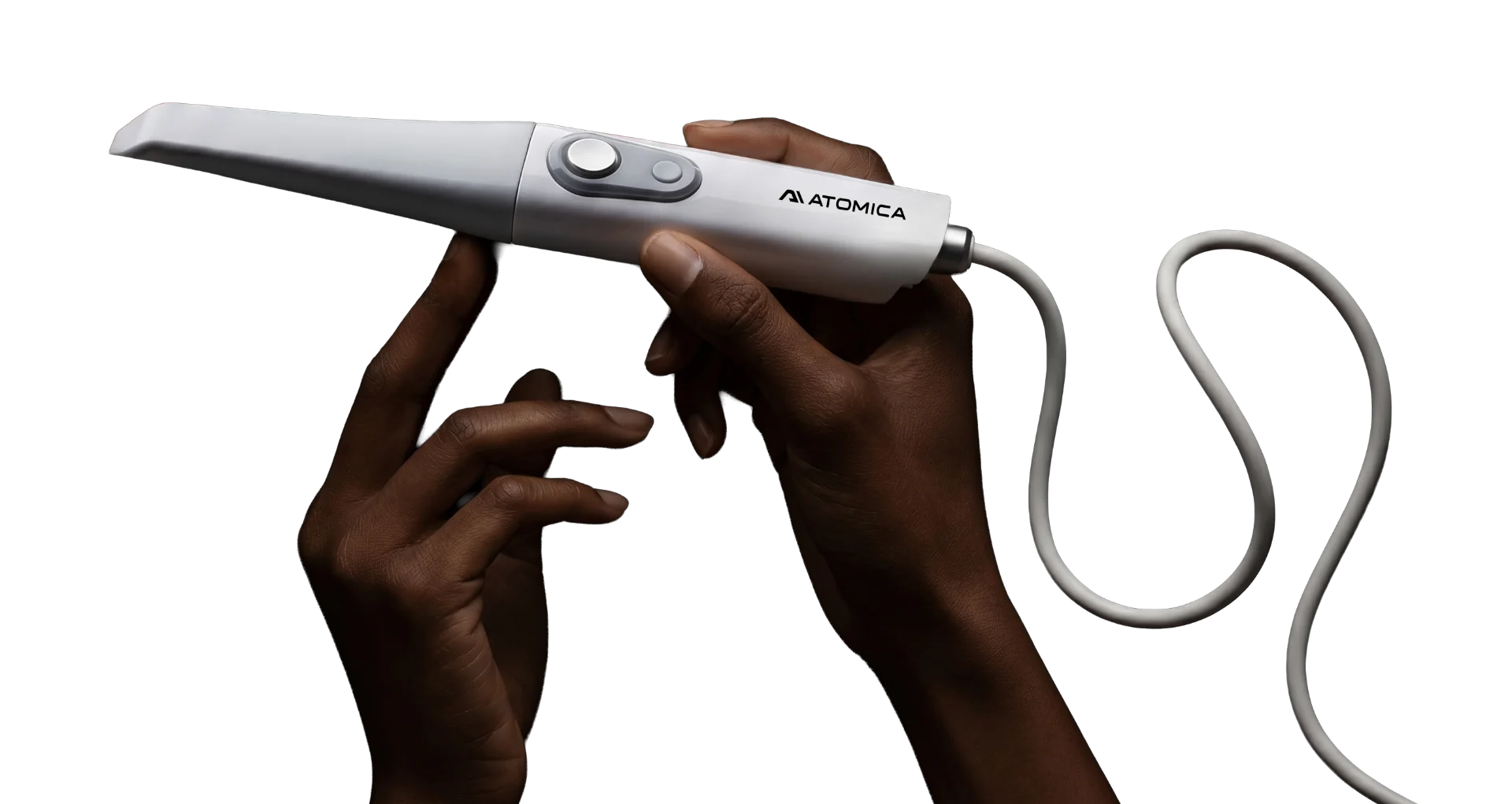
Atomica 3D printing system
Bring printing, washing and curing into one connected workflow for dental models, guides, splints and provisional restorations.
From digital design to something tangible.The complete setup
Three tools for a complete dental printing workflow.
01 / Print
Print your prepared design with the platform and material profile that suit the case.
02 / Wash
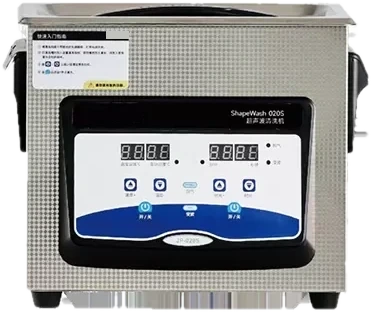
Remove uncured resin using the cleaning process specified for your material.
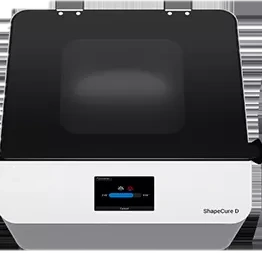
03 / Cure
Complete the material’s prescribed post-cure, then finish and inspect the part.
What will you make?
Choose a compatible resin and validated process for each application.
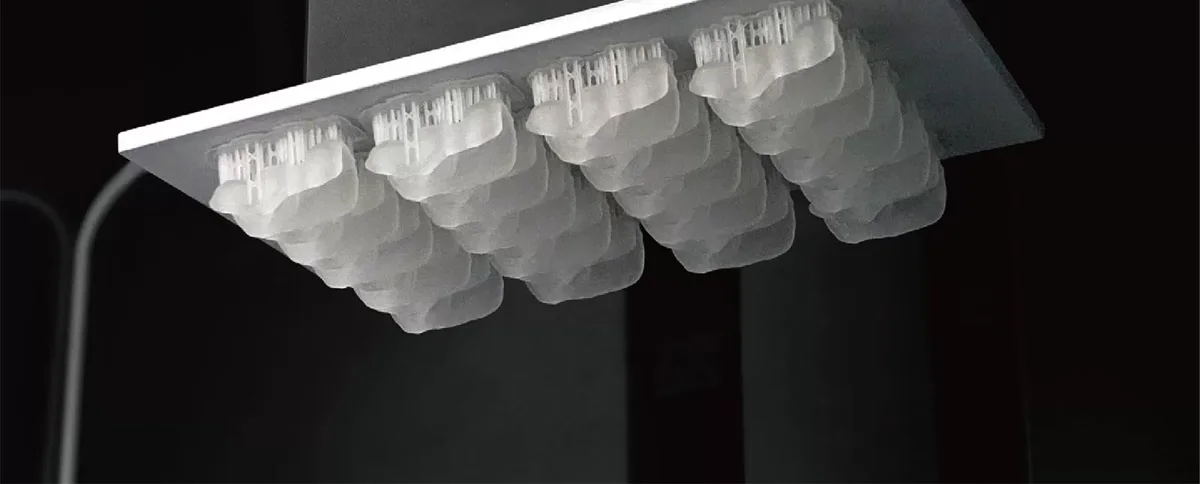
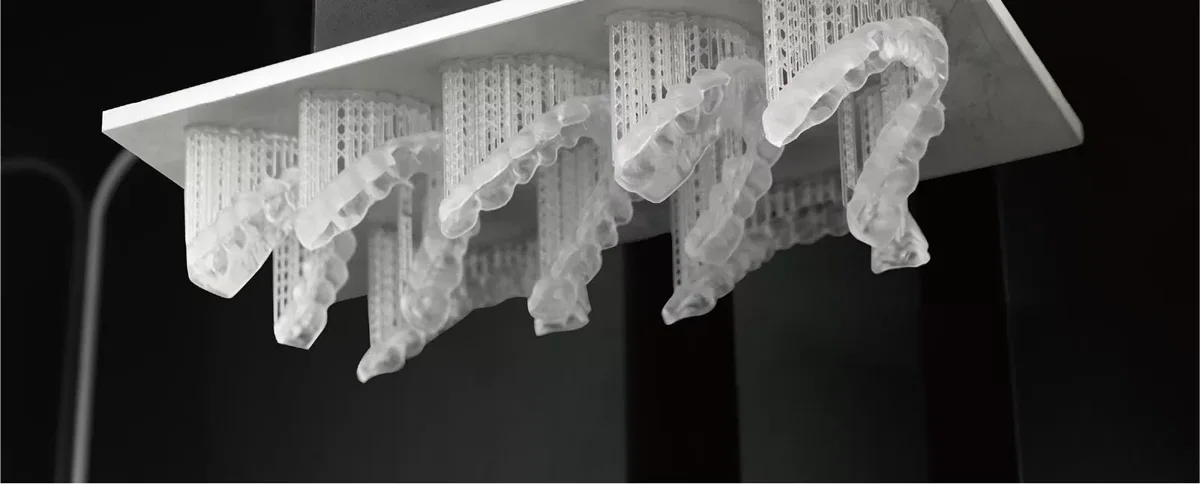
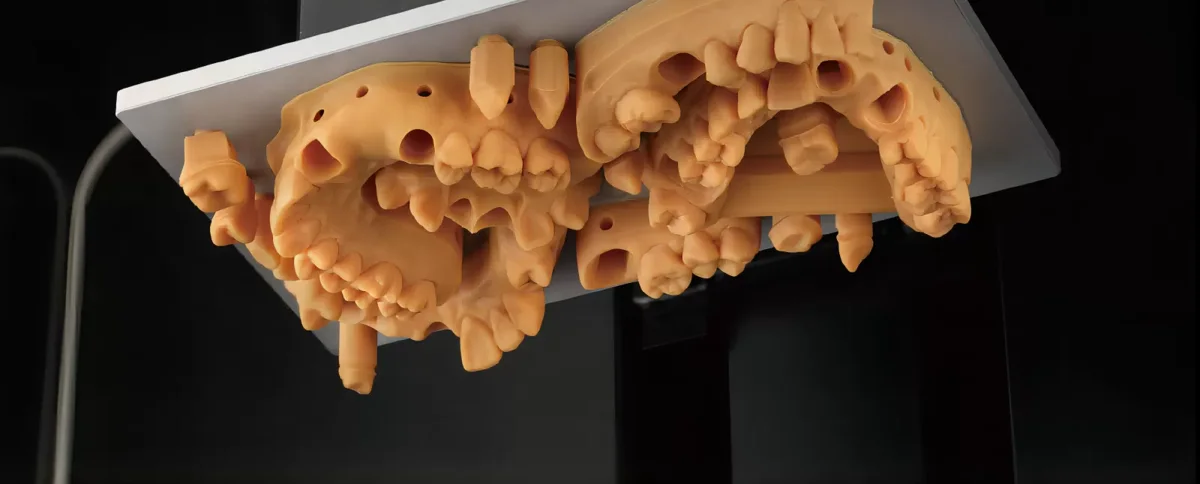
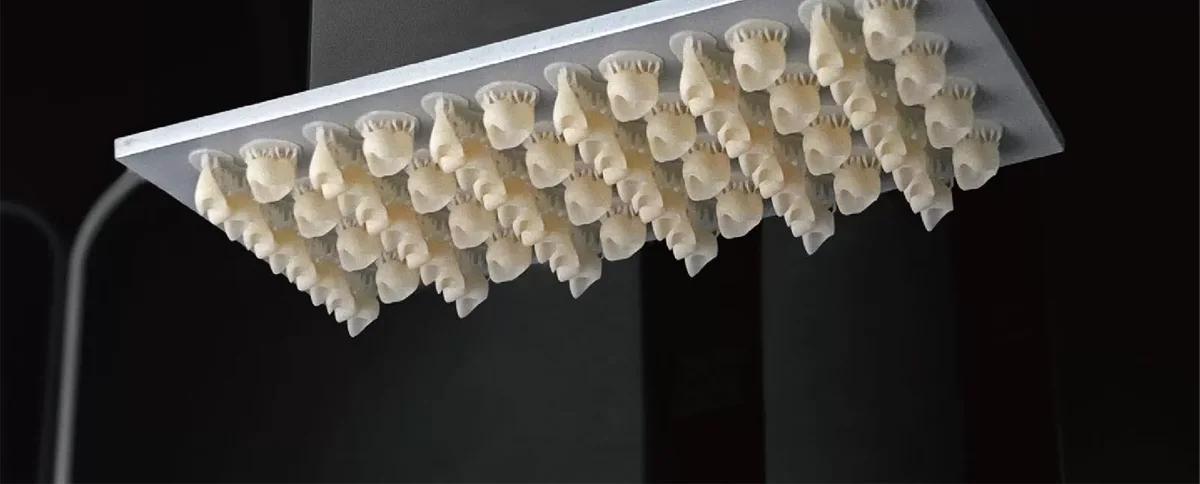
Sample prints from the printer manufacturer.
Connected to your design
Create the restoration, guide, splint or model, then export the design as an STL file.
Orient the part, add supports where required and select the appropriate printer, resin and build platform.
Print, wash and cure according to the validated workflow. Complete finishing and inspection for its intended use.
Built for the case in front of you
Use the larger platform for more capacity or the smaller platform for compact jobs. Each platform pairs with its matching resin tank. Your quote confirms which platform and tank configuration is supplied.
Open material choice
Choose from compatible third-party dental materials. Send us the resin brand, product name and intended application so we can confirm the printer profile and finishing workflow.
Manufacturer specifications. XY pixel size describes imaging resolution. Finished-part results depend on the resin and processing settings.
A few useful answers
Yes. Keep your scanner and use Atomica, compatible CAD software or your lab to create a printable STL design. Prepare that design in ShapeWare for the printer.
You can design in your practice or ask your lab to supply a printable STL. The file is then prepared in ShapeWare before printing.
Yes, with appropriate dental resins and validated production settings. The intended use of the resin determines the applications it supports.
Yes. Atomica also offers scanner and printer packages. View the current chairside package for its equipment, training and offer details.
The package includes the printer, ultrasonic washer and UV curing unit. Your quote identifies the supplied platform, matching resin tank and accessories. See the current printing offer for package details.
Atomica design software uses pay-per-export pricing. Design exports and dental resins are purchased separately from the printing hardware.
Allow for design, printing, washing, curing and finishing. Time and cost vary with the design, material and batch size. Bring your intended applications and weekly case volume to the demo so our team can help estimate your workflow.
See it in your workflow
See the complete system and discuss the applications, materials and training that fit your practice.
Connected by your workflow