
Atomica software / 04
Dental
models.
Build the model format your case needs, with adjustable bases, positioning pins and labels.
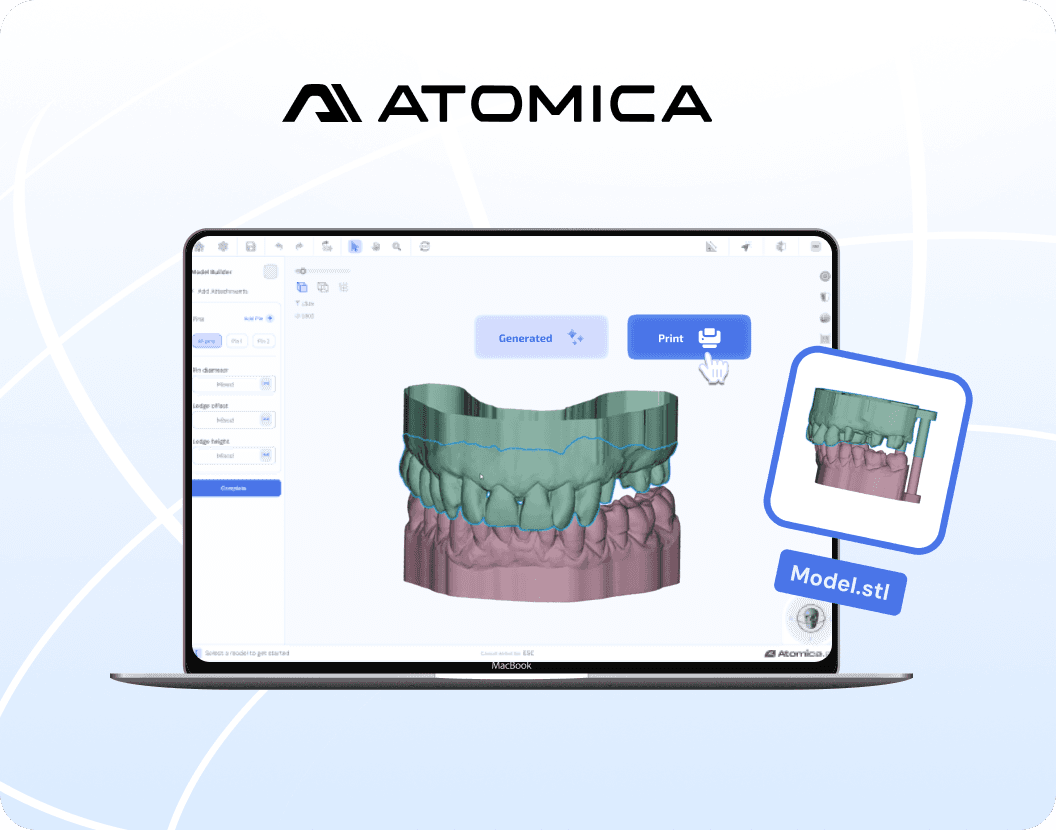
Inside the workflow
Build the model
you need.
01
Prepare
Crop the scan to the area required.
02
Build
Choose base height, hollowing and wall thickness.
03
Finish
Add pins or labels to the model.
Take a closer look
Open the model-building guide Follow the workflow in the Atomica learning center.
Ready for your next case?