
Atomica software / 02
Splint
design.
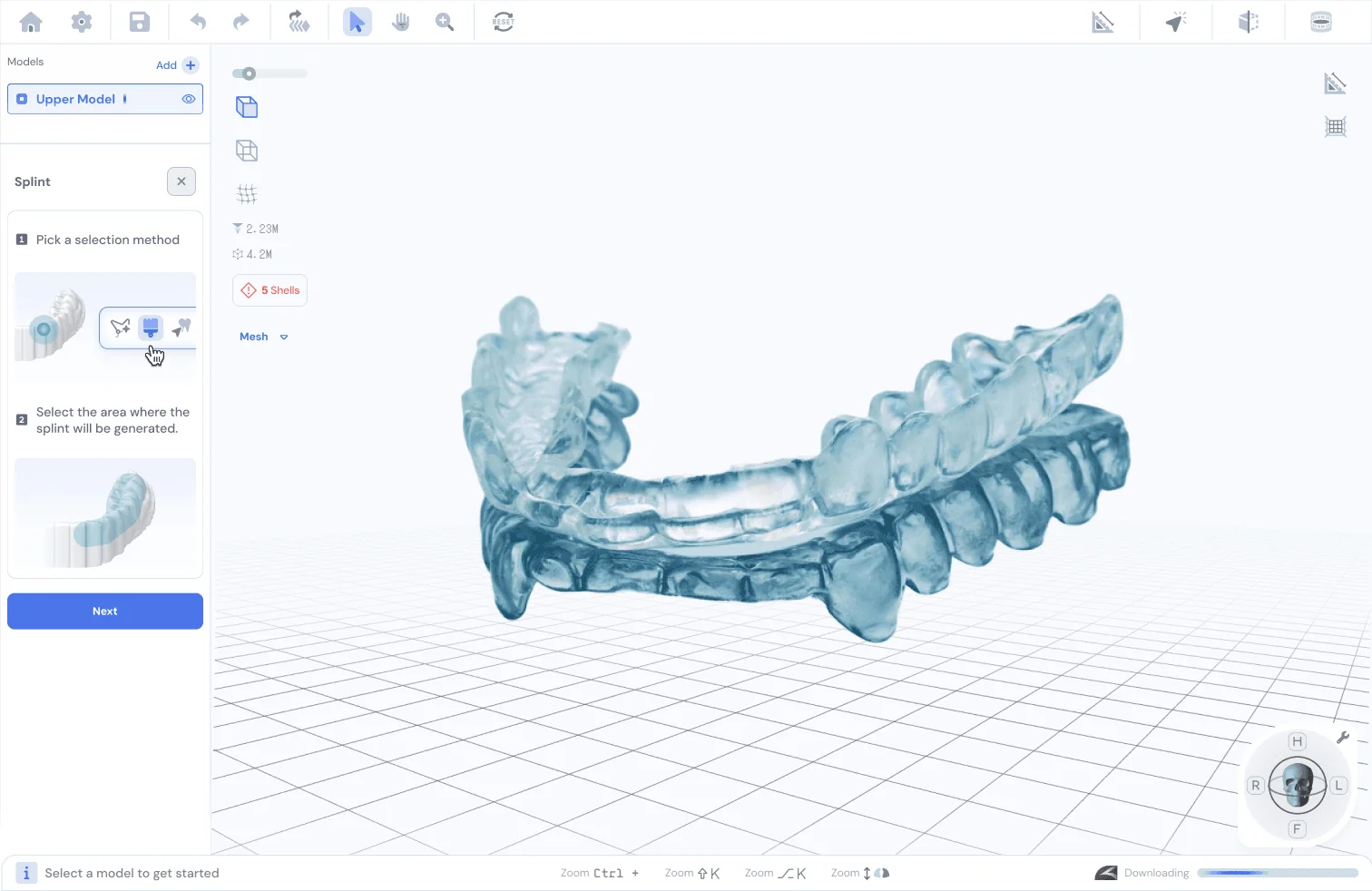
Create custom occlusal appliances with control over bite opening, thickness and surface shape.
Inside the workflow
An appliance, shaped
around your case.
01
Set up
Review model orientation and bite opening.
02
Generate
Choose the tooth range and design parameters.
03
Refine
Review the appliance in the editing tools.
Recorded walkthroughSplints
Watch on YouTube Take a closer look
Open the splint-design guide Follow the workflow in the Atomica learning center.
Ready for your next case?